Change Password
To maintain the integrity of your account, it is recommended to update your password periodically.
- Navigate to the Security tab in the Account Settings.
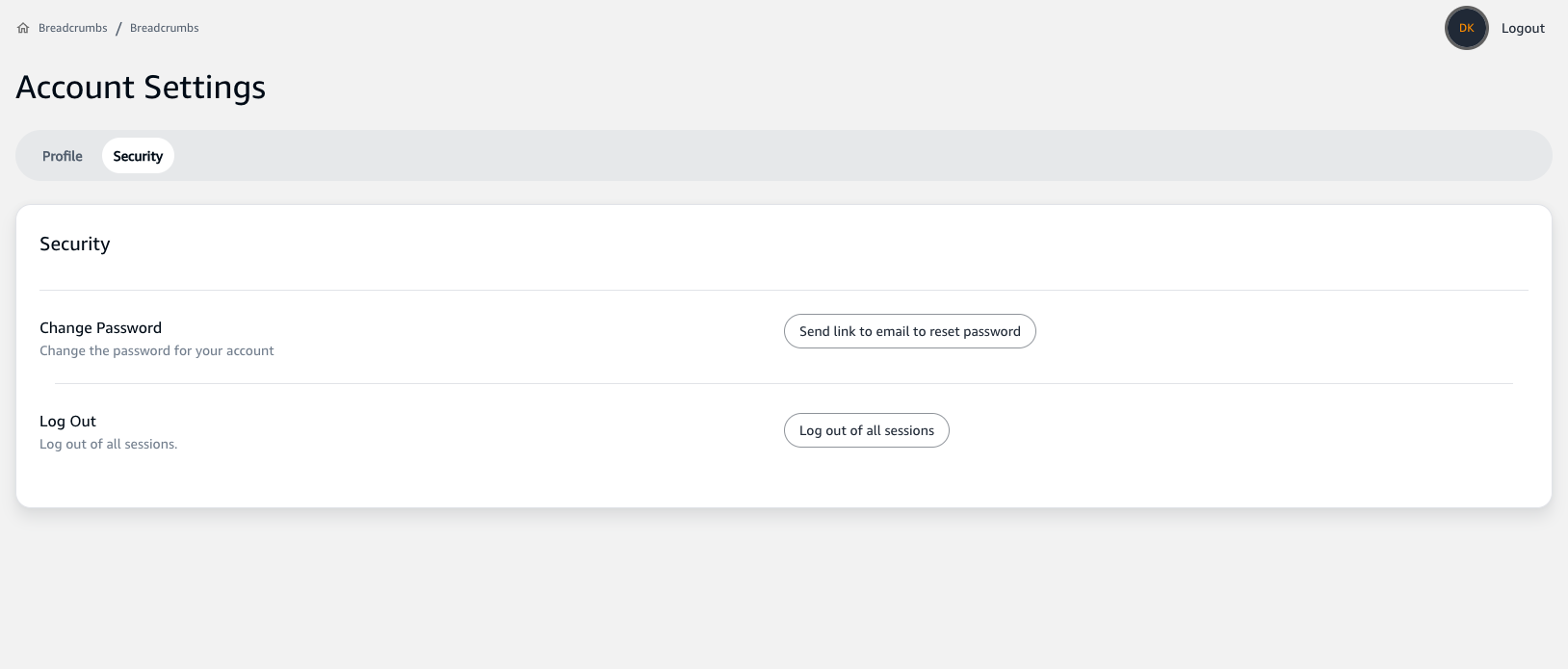
- Under the Change Password section, click on the
Send link to email to reset passwordbutton.

- You will receive an email with a link to reset your password. Follow the instructions within the email to proceed.