Log Out
For added security, especially on shared devices, you have the option to log out of all sessions.
- Locate the Log Out section in the Security tab.
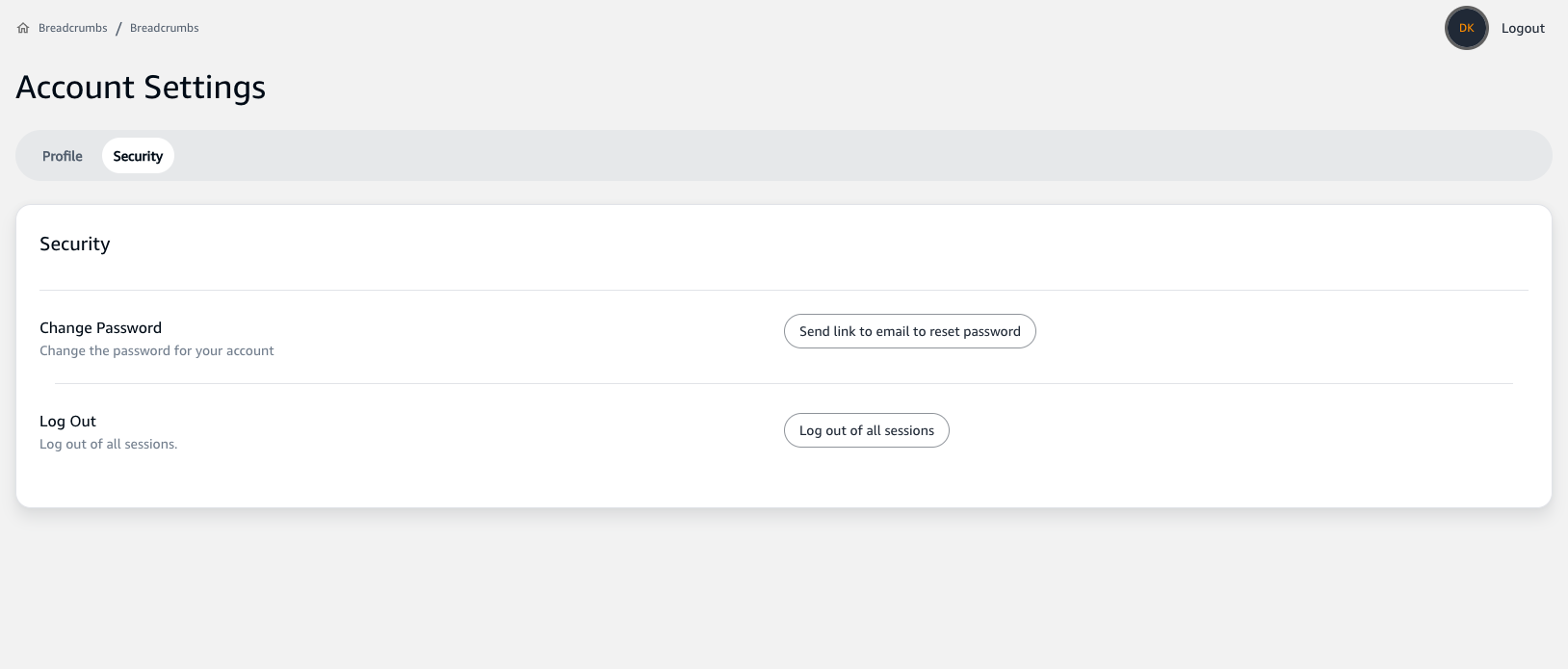
- Click on the
Log out of all sessionsbutton to sign out of all devices where your account may currently be logged in.

Please note that if you log out of all sessions, you will need to re-enter your credentials on any devices you wish to regain access to.
Remember, these security features are designed to protect your personal information and ensure that only you have access to your account. If you suspect any unauthorized activity, change your password immediately and contact support.